Creating Tags
Tags are used to help your teams stay organized by filtering your customer conversations, leads and campaigns. So Let’s get you one step closer to getting MORE customers and MORE help!
To get started:
- Ensure you are logged in to your Pupsai account. For help logging in, refer to Login to Pupsai.
- Ensure you have subscribed to Pupsai. If you have not done so and need help subscribing, refer to Subscribing To Pupsai.
From your dashboard:
- In the navigation bar to the left of the page, select the “Team Management” menu option
- From the drop down menu, select “Tags”
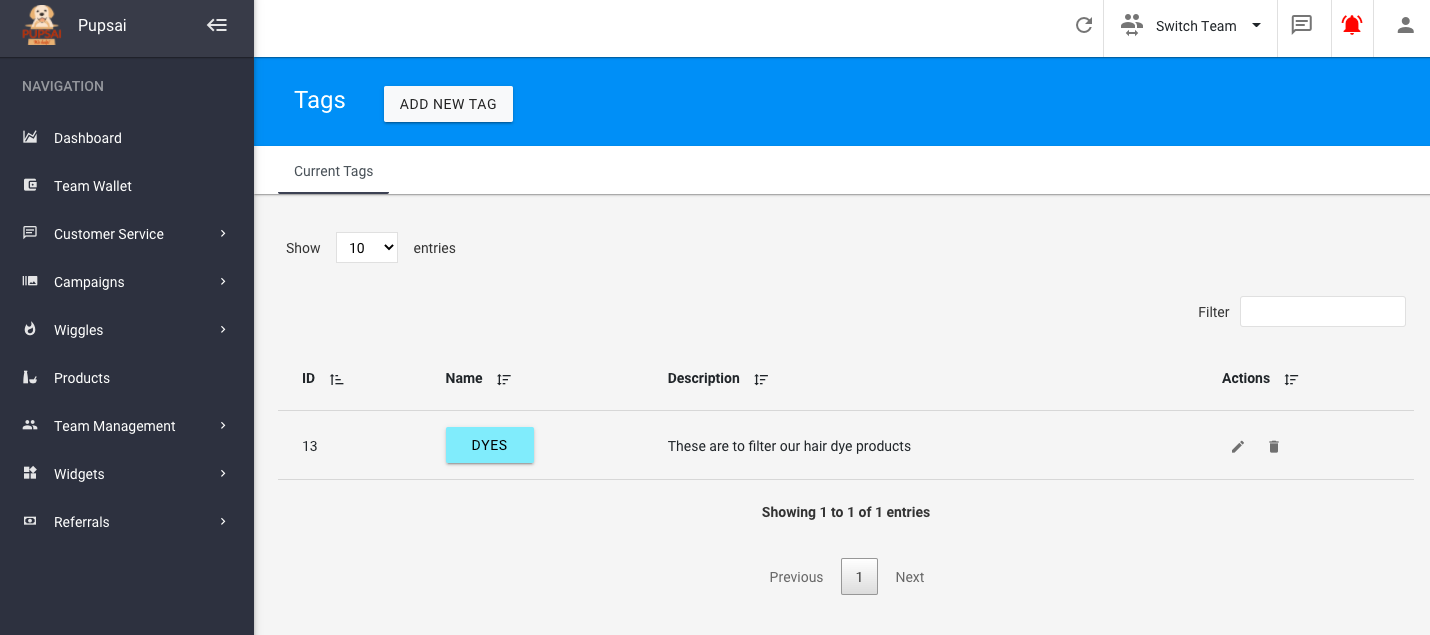
- You’ll be redirected to the “Tags” page
- Click the “ADD NEW TAG” button
- A pop-up to enter the tag details will appear
- Enter the desired name, description and a colour for the tag
- Click the “ADD” button
- Once created, tags can be edited and deleted