
Uploading Media to Pupsai
One way to keep all your media and photos organized and in one place is to store them in your Pupsai media manager.
To get started:
- Login into your Pupsai account. Click here for reference.
- From the left navigation menu, select the “Campaigns” menu option
- From the drop down menu, select “Media Manager”
- You’ll be redirected to the “Media Manager” page shown below
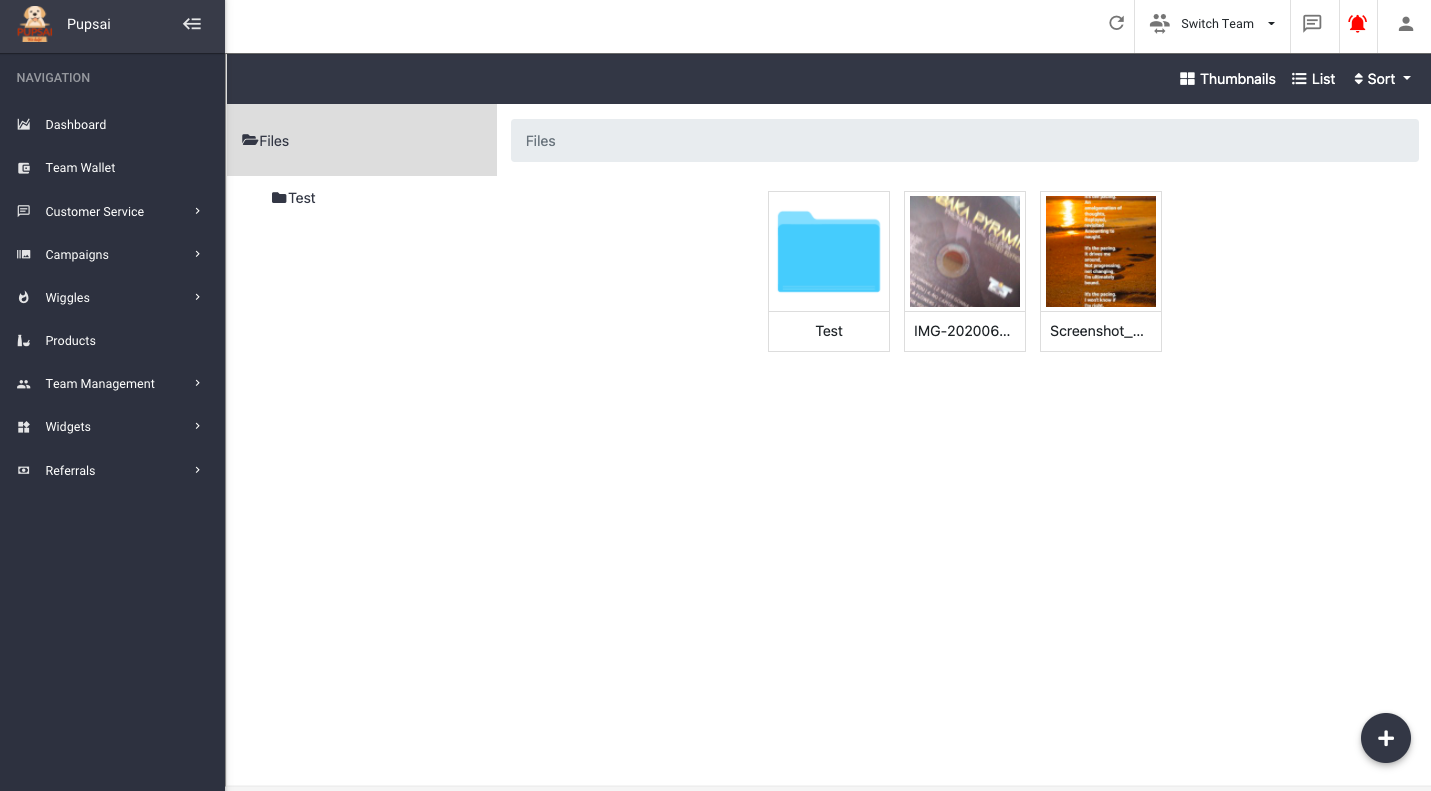
To create a new folder or upload photos and media
- Click the plus icon button at the bottom right of the screen and select your desired option. You’ll be presented with the following options:
- “Upload” – you’ll be prompt to select files from your computer or drag and drop the files
- “New Folder” – you’ll be prompt to enter a name for the folder.
- All images uploaded here, can be used anywhere it is required in Pupsai; campaigns, products, and more.